Amber
Display + System
The screen stays on and the Mac stays awake. For presentations, dashboards, reading a long document or watching a remote session without touching the trackpad every few minutes.
Vigilio for macOS, free
A small menu bar app that holds off sleep while a download finishes, a build runs or a call goes long. Pick a time, click once, and your Mac stays on. When the timer ends, normal sleep comes back by itself.
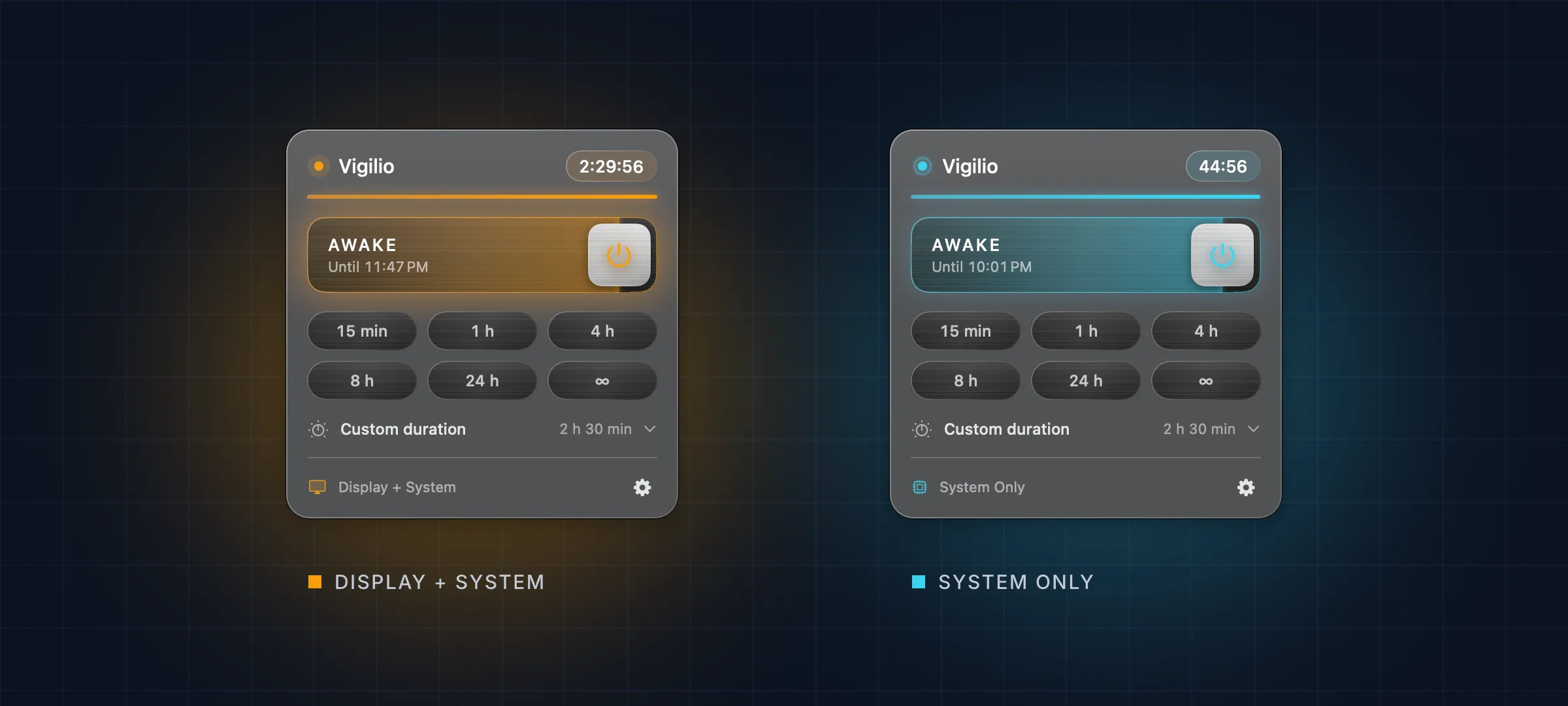
Choose what stays awake. The colour tells you which one is on, in the panel and in the switch.
Amber
The screen stays on and the Mac stays awake. For presentations, dashboards, reading a long document or watching a remote session without touching the trackpad every few minutes.
Cyan
The display may go dark, the Mac keeps working. For downloads, backups, renders and builds that should finish while you are away, without burning the screen for hours.
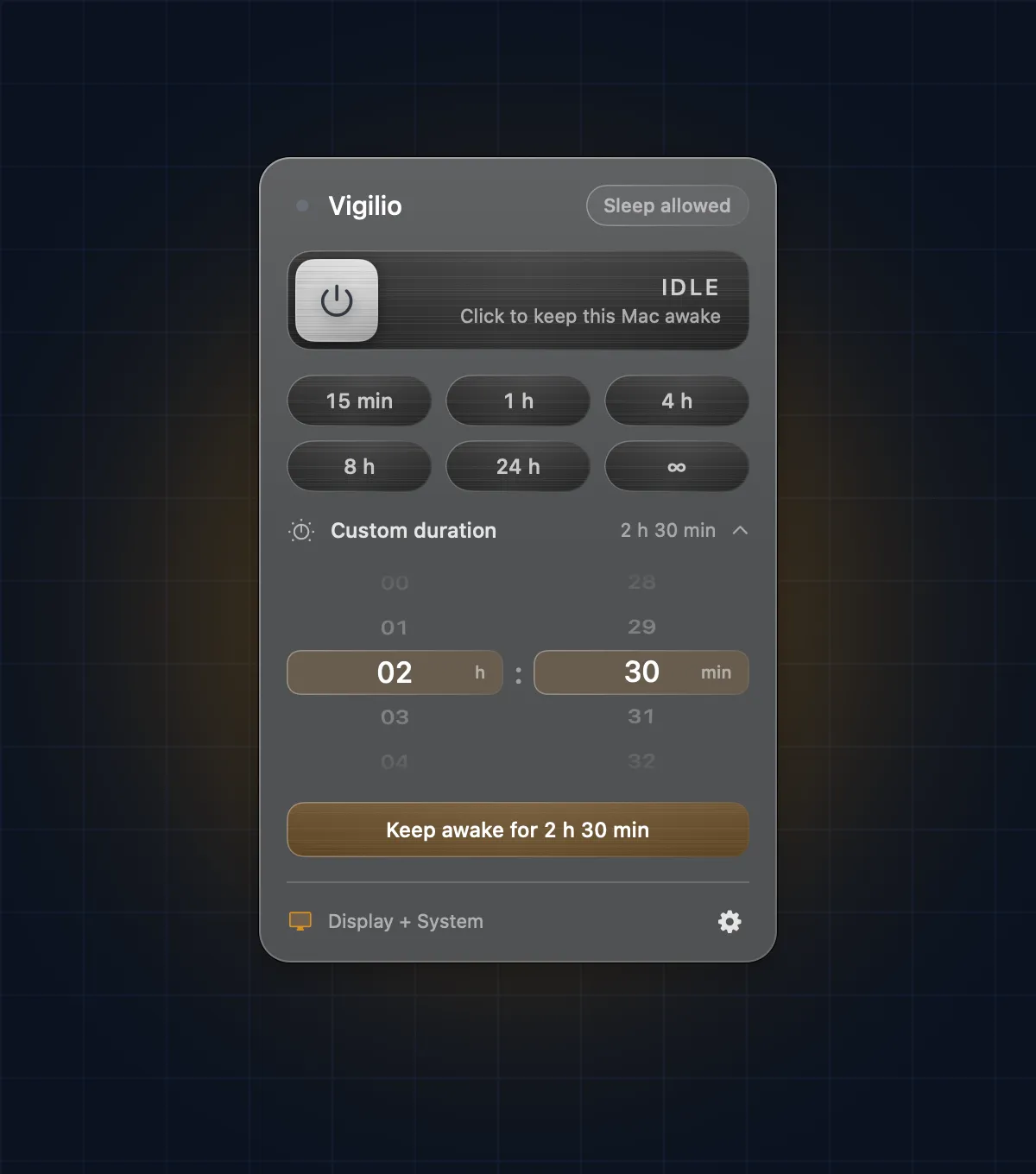
Six presets cover most days. For everything else, roll the wheels to any time up to 48 hours.
The switch fills with colour and drains as the session runs, the panel counts down to the second, and the end time is written underneath. Vigilio remembers your last duration and mode for the next click.
The things you only notice when a utility gets them wrong.
Free. No account, no telemetry, no ads.
Download Vigilio-1.0.0-1.dmg647010963fd2d8435a17e1fe17b833b5e88bfb192901225e7a29036d42004cd2shasum -a 256 ~/Downloads/Vigilio-1.0.0-1.dmg